
A timer
that pays.
Pick the things that are hard - piano practice, reading, sports training, physical therapy, hours in a scoliosis back brace. Set a weekly goal together. Your kid taps Start when they begin and Stop when they’re done.
That’s the whole app. Under three seconds.
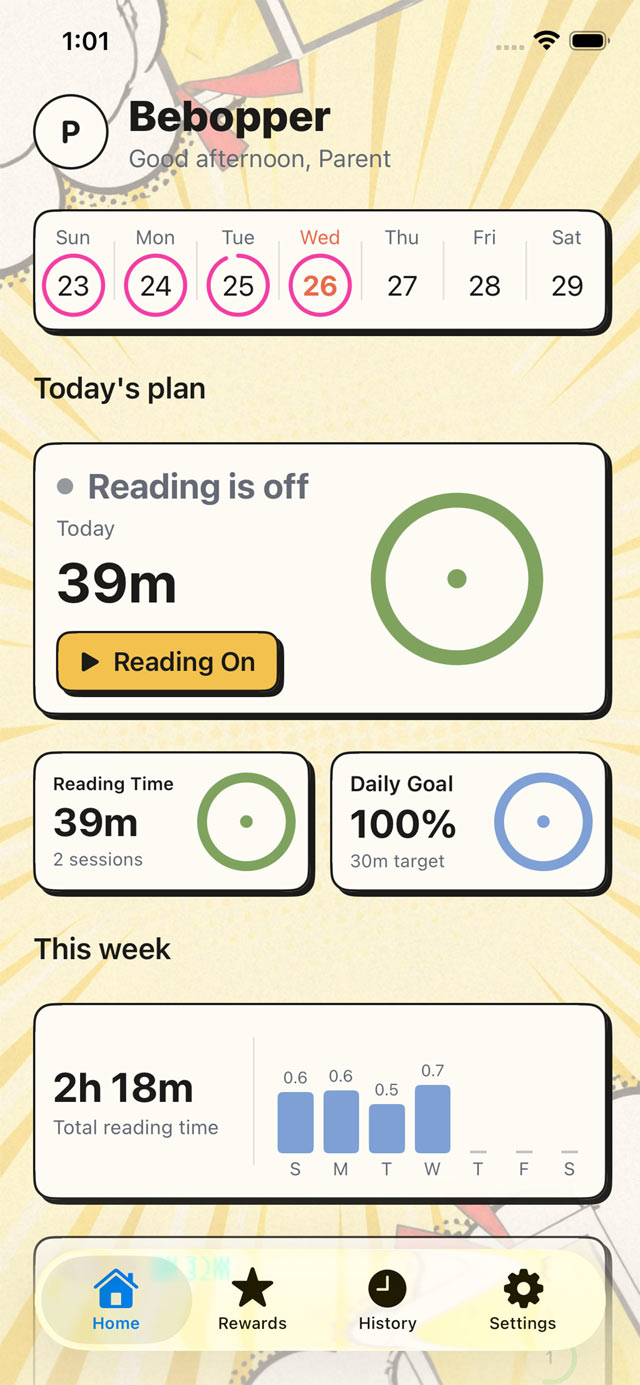
Minutes become points become rewards
Points build into levels, streaks and rewards you decide on together - cash, privileges, screen time, the thing they’ve been saving for. You set what a point is worth.
- 1
Tap Start
Your kid taps once when they sit down at the piano, open the book, or put the brace on. No form, no picker, no deciding what to call it.
- 2
Tap Stop
The clock runs in the background and keeps running if the phone locks. Forgot to stop? A grown-up can fix the session afterwards.
- 3
Minutes become points
Every minute logged earns a point. Points build toward the goal you set together, and the goal pays out whatever you agreed it pays.
Partial effort always counts
Most family apps ask did you do it? Bebopper asks how long? Twenty minutes of practice is worth twenty points. A checkbox would call that a zero.
There are no failure states here, and a short day is still a good day.
One number, every phone
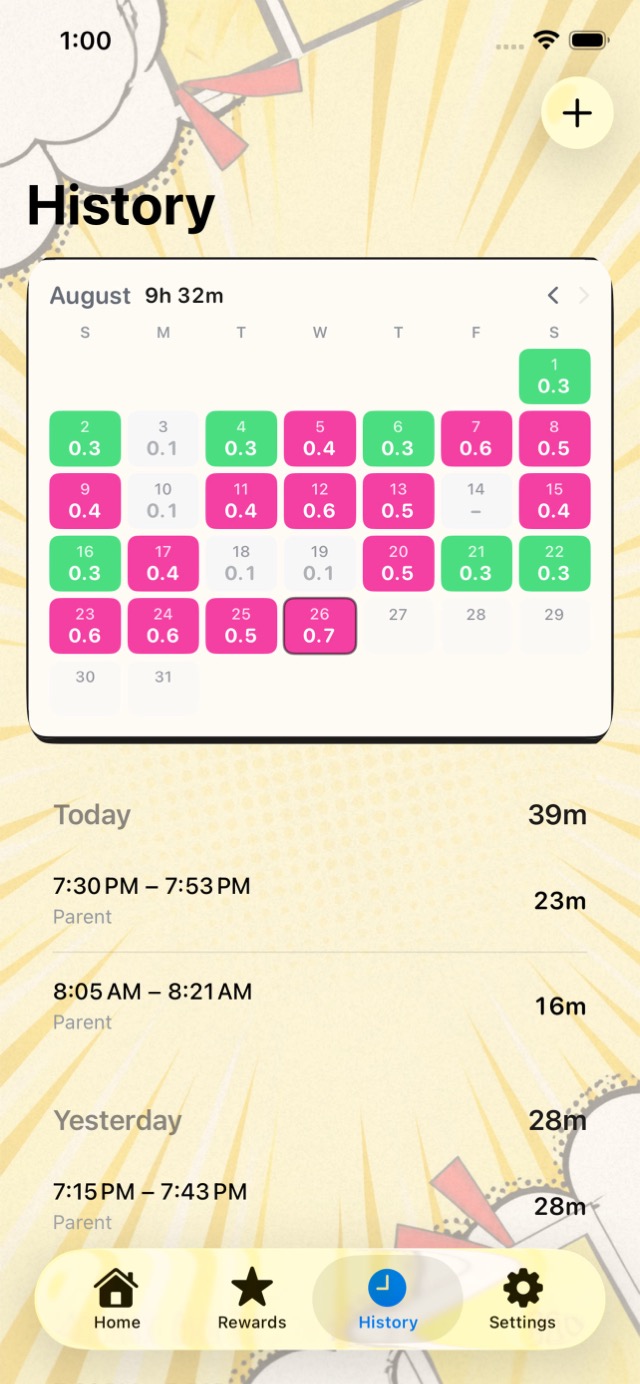
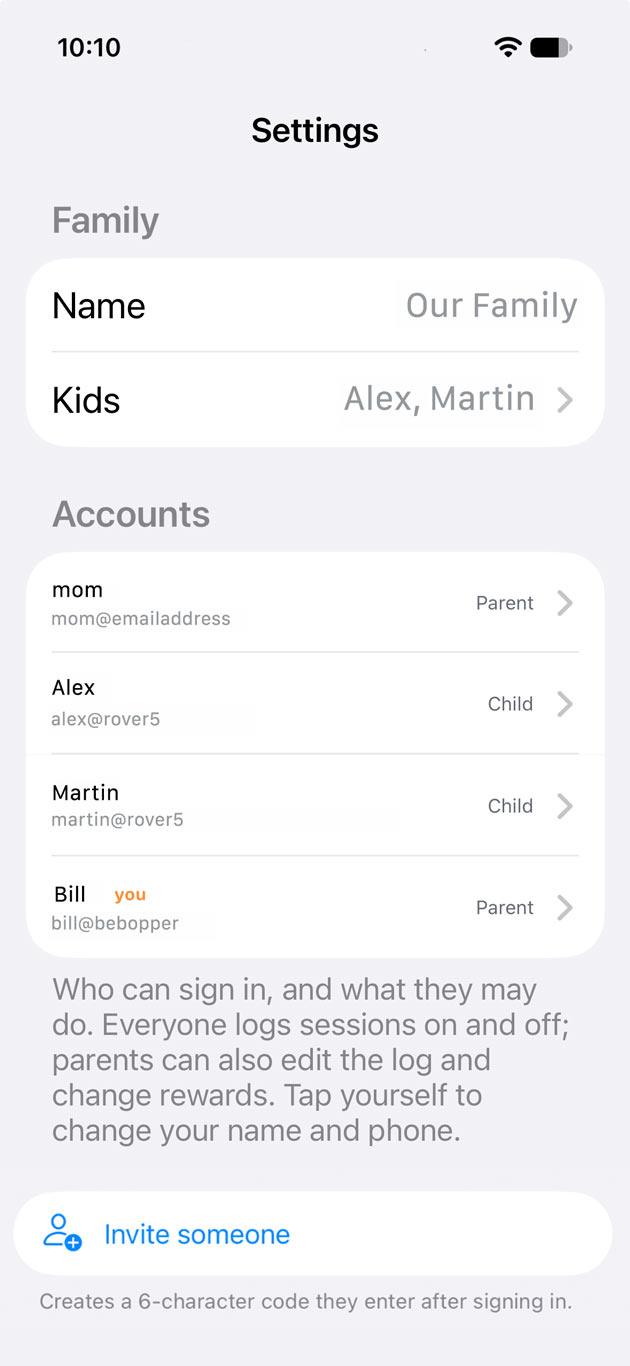
Parents, grandparents and your kid all watch the same running total on their own devices. No did you do it yet? No disagreeing about what happened Tuesday. The hours are just there.
Forgot to tap Stop? Logged the wrong day? A grown-up can correct any session without erasing what was originally logged. Nothing is ever destroyed.
Built for the kid first
No dashboards. No compliance reports. No location tracking. Each habit gets one big number and one big button, and the kid is the one who taps it. Grown-up tools exist, but they stay out of the way.
More than one kid, more than one habit
Every kid gets their own goals, their own points and their own streak. Every grown-up sees all of them without switching accounts. Piano for one, physical therapy for another, reading for both.
Not a checklist
Bebopper only tracks things with a duration. If it can’t be timed, it isn’t in here. No chore charts, no checkboxes, no gold stars for making the bed. Just the clock, and what your kid did with it.
What families time
Anything with a start and a stop.
- Instrument practice
- Reading minutes
- Sports training and drills
- Homework and study blocks
- Physical therapy
- Retainer wear
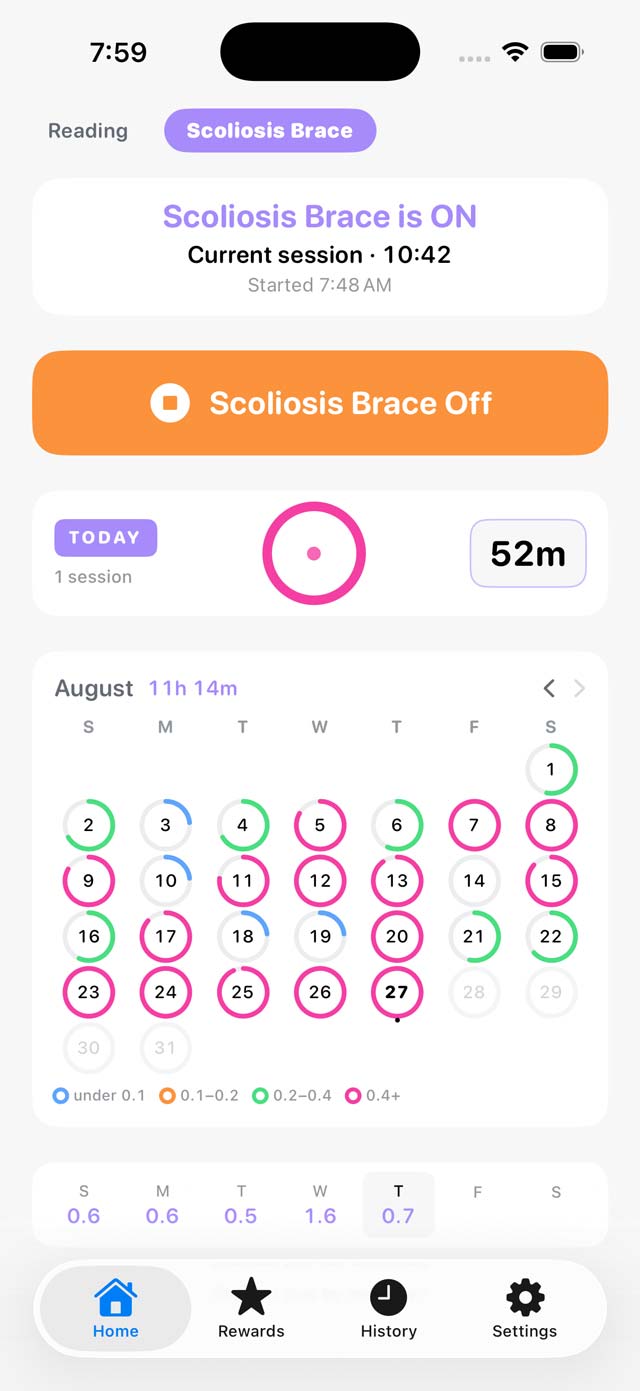
- Scoliosis back brace
- Supervised driving hours
- Volunteer and service hours
- Screen-free time
- Time outside
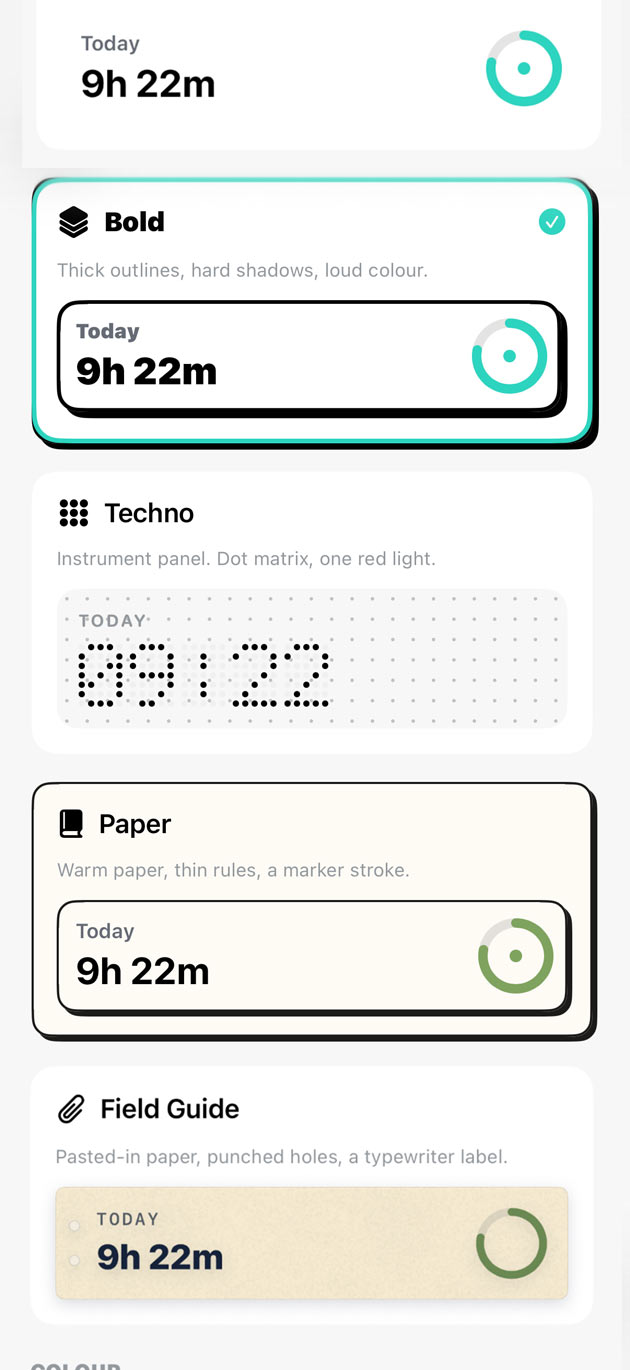
Five looks. Eight colours. One app.
Everyone in the family picks their own. The look and the accent live on your own account, so a kid can have the loud one without imposing it on anybody else.
 screenshots/classic-theme.jpg
Classic 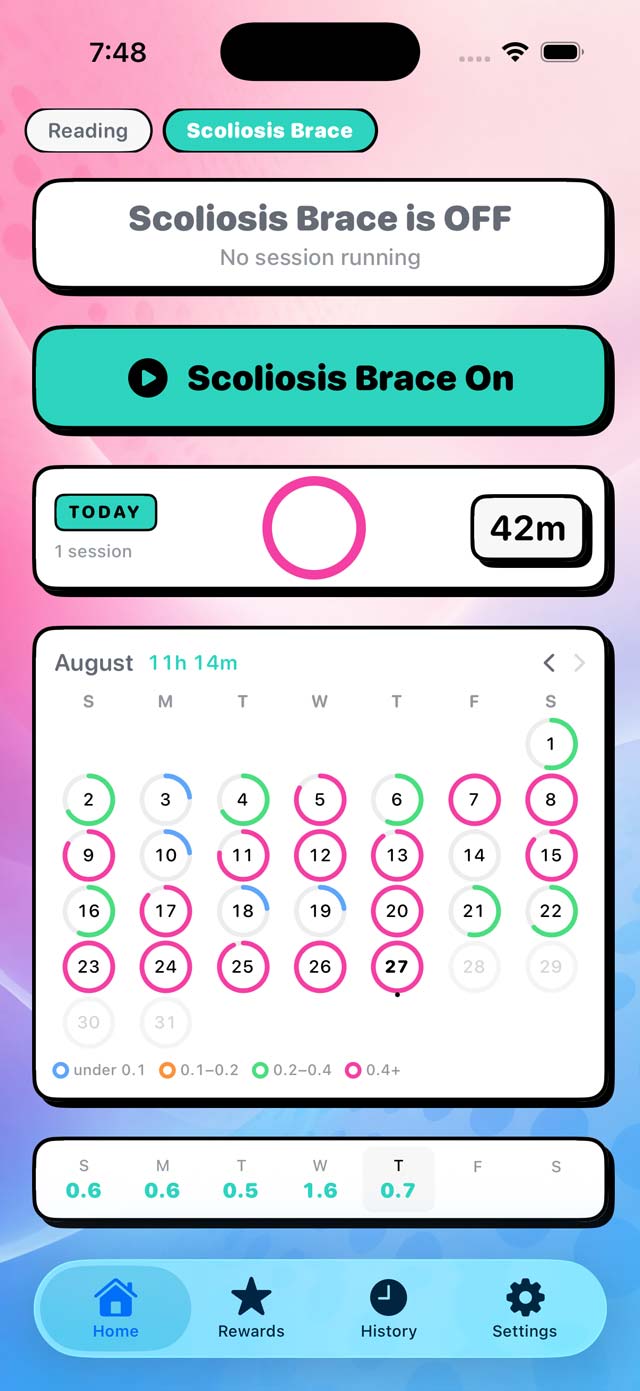 screenshots/bold-theme-2.jpg
Bold 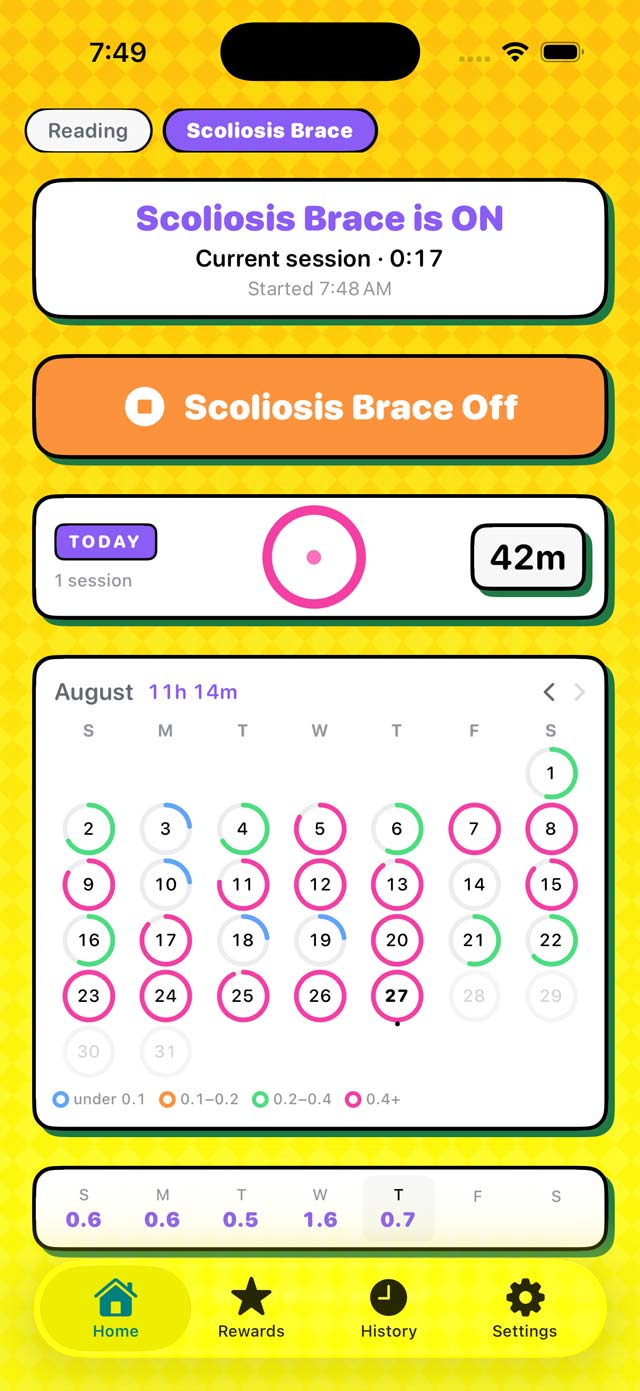 screenshots/bold-theme-3.jpg
Bold 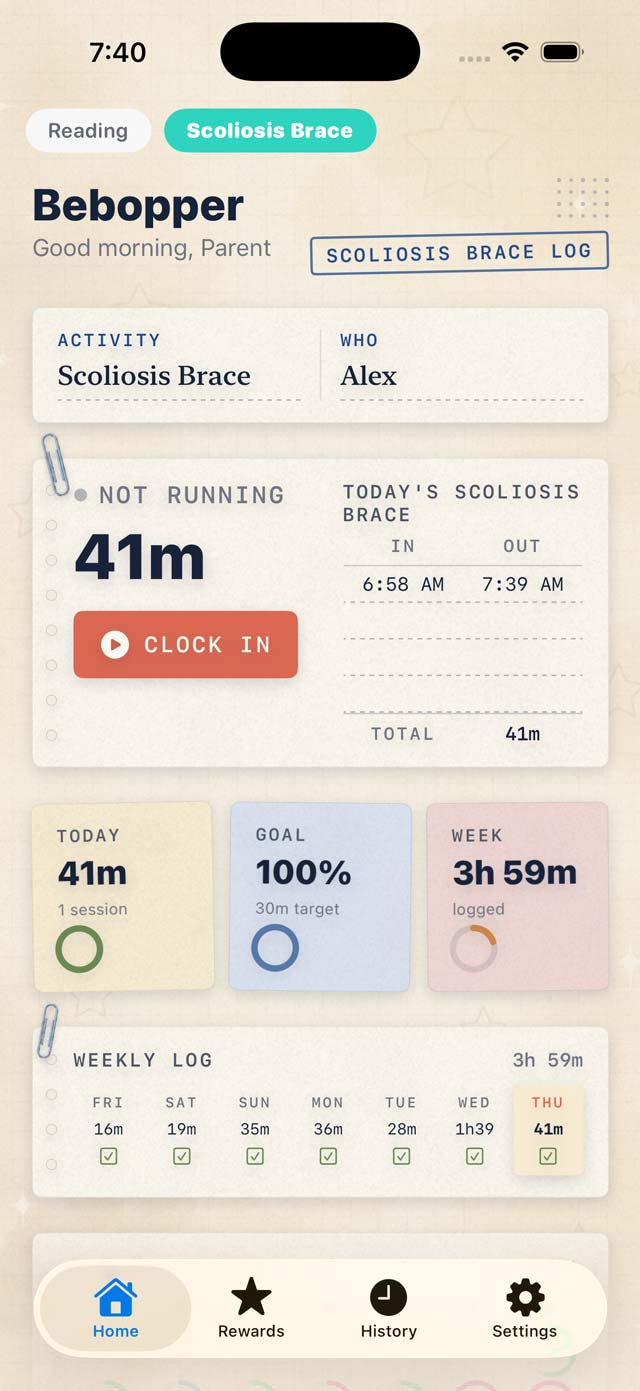 screenshots/field-guide-theme.jpg
Field Guide 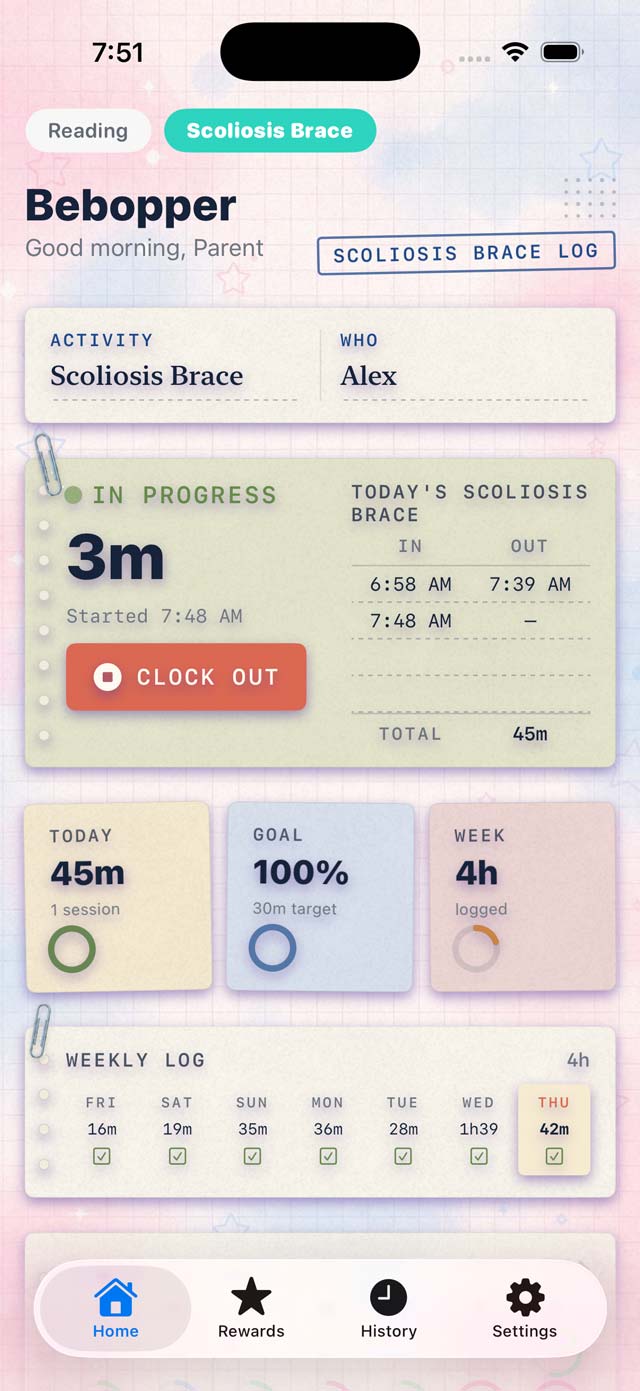 screenshots/field-guide-2.jpg
Field Guide 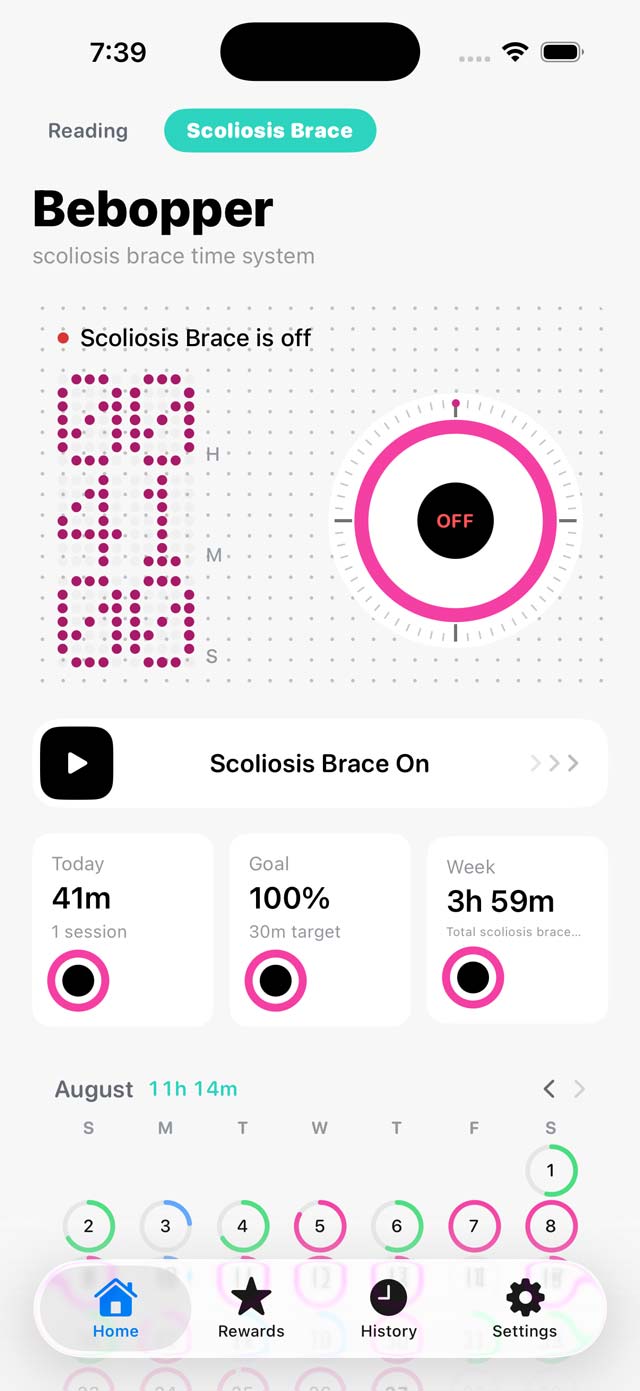 screenshots/techno-theme.jpg
Techno 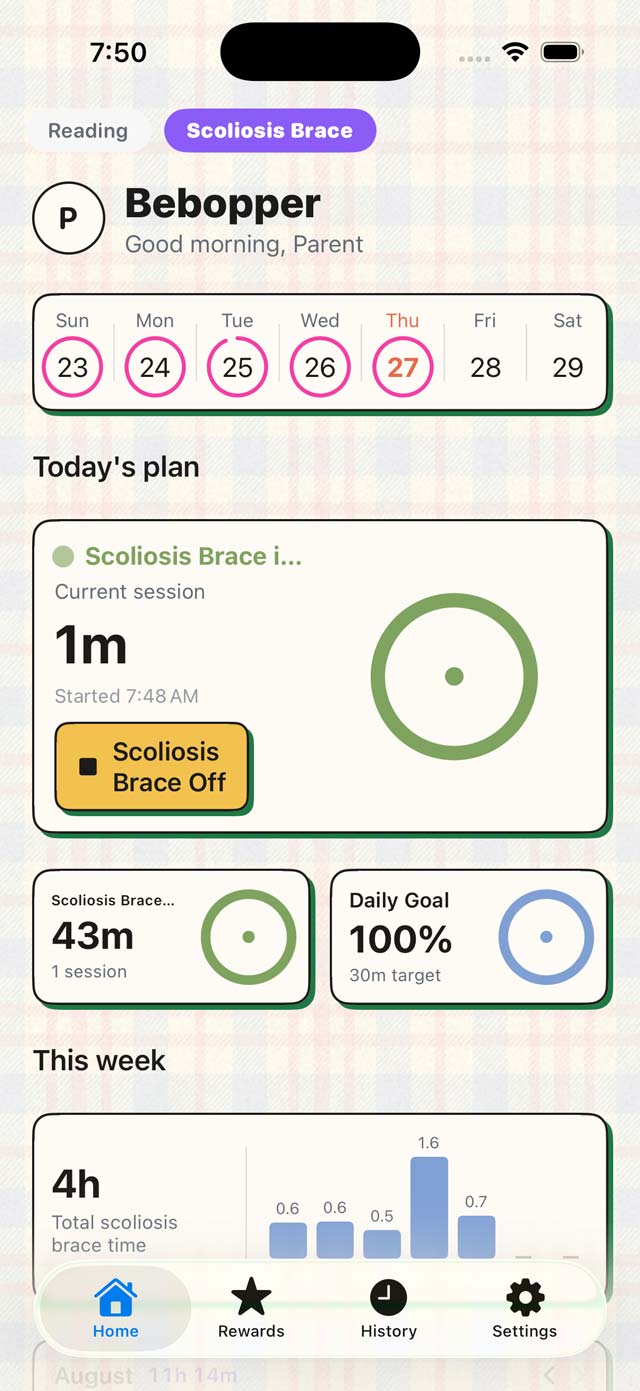 screenshots/paper-theme-1.jpg
Paper 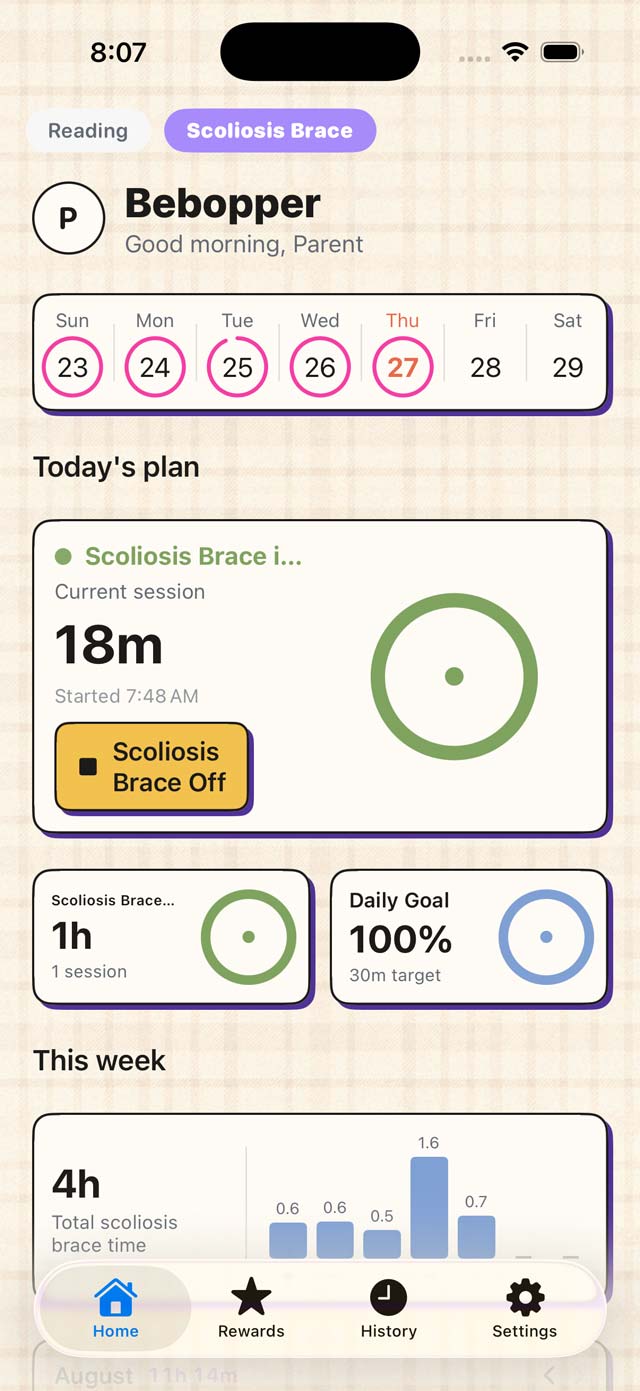 screenshots/paper-theme-2.jpg
Paper 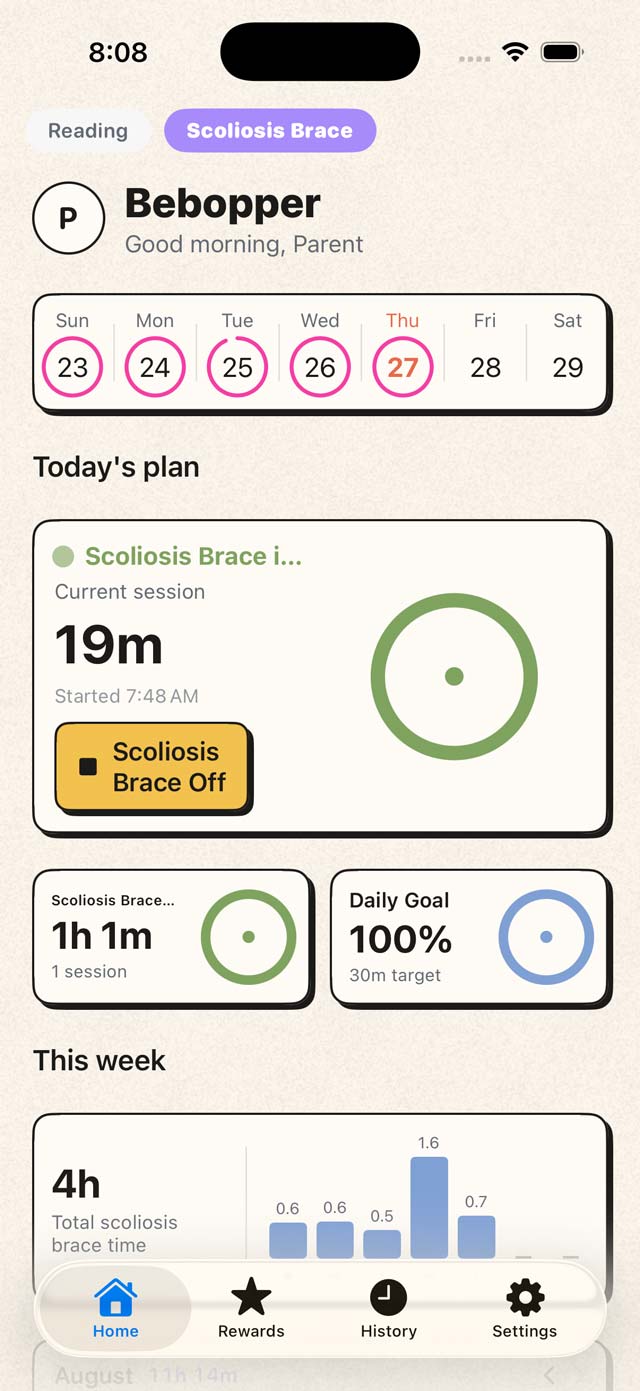 screenshots/paper-plain.jpg
Paper
Classic
Soft cards, quiet colour.
Bold
Thick outlines, hard shadows, loud colour.
Techno
Instrument panel. Dot matrix, one red light.
Paper
Warm paper, thin rules, a marker stroke.
Field Guide
Pasted-in paper, punched holes, a typewriter label.
All three pickers live in Settings, on your own account.
 screenshots/themes.jpg
Pick a look 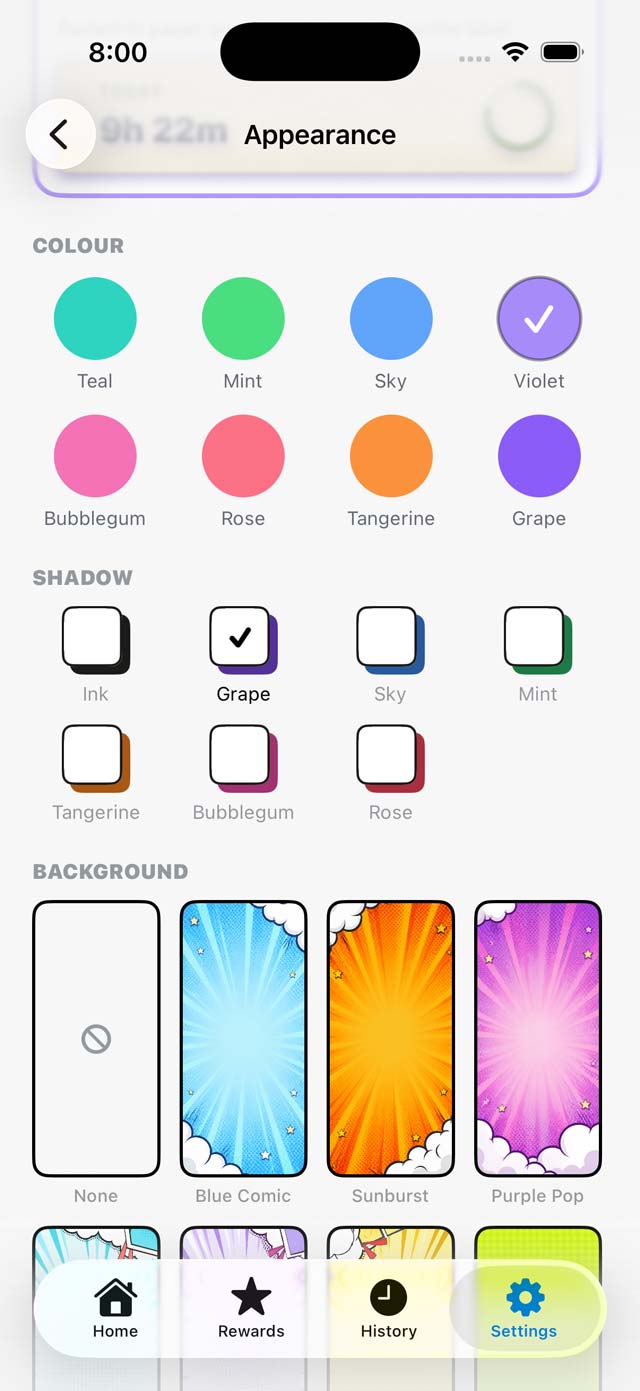 screenshots/color-picker.jpg
Pick a colour 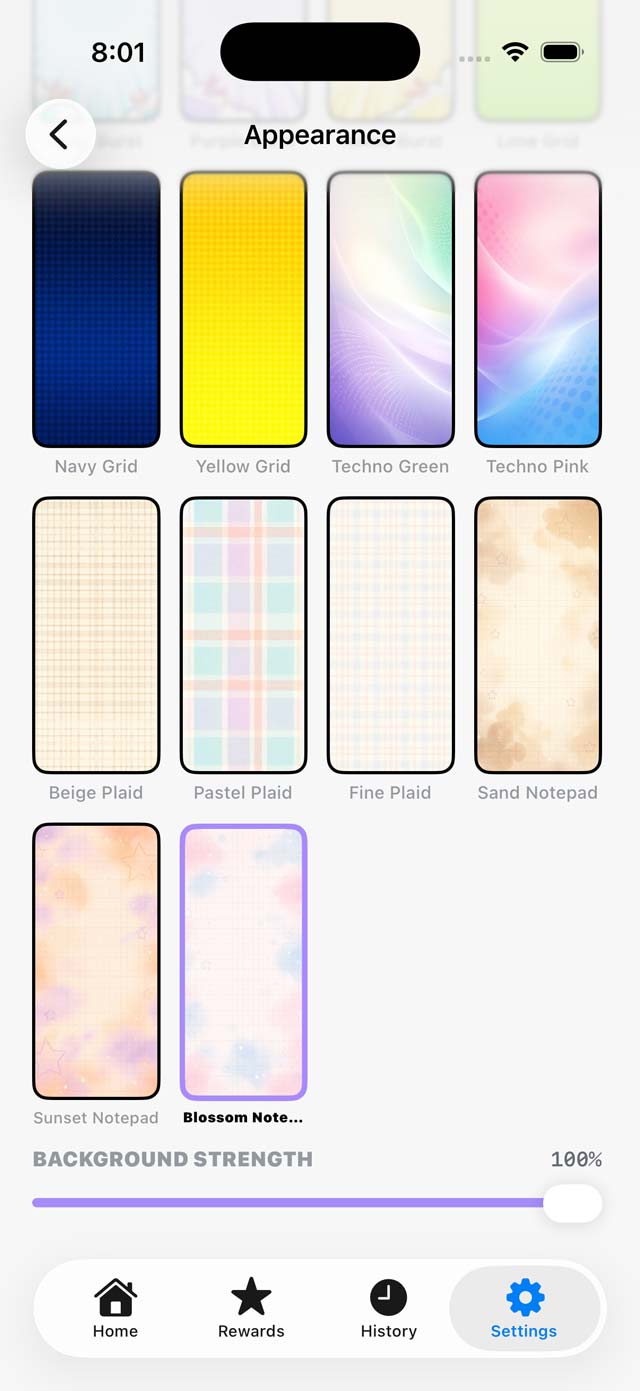 screenshots/background-picker.jpg
Pick a backdrop

Set the goal together. Let the clock do the arguing.
Bebopper is finishing up a family field test and heading for the App Store.
Coming soon to the App Store